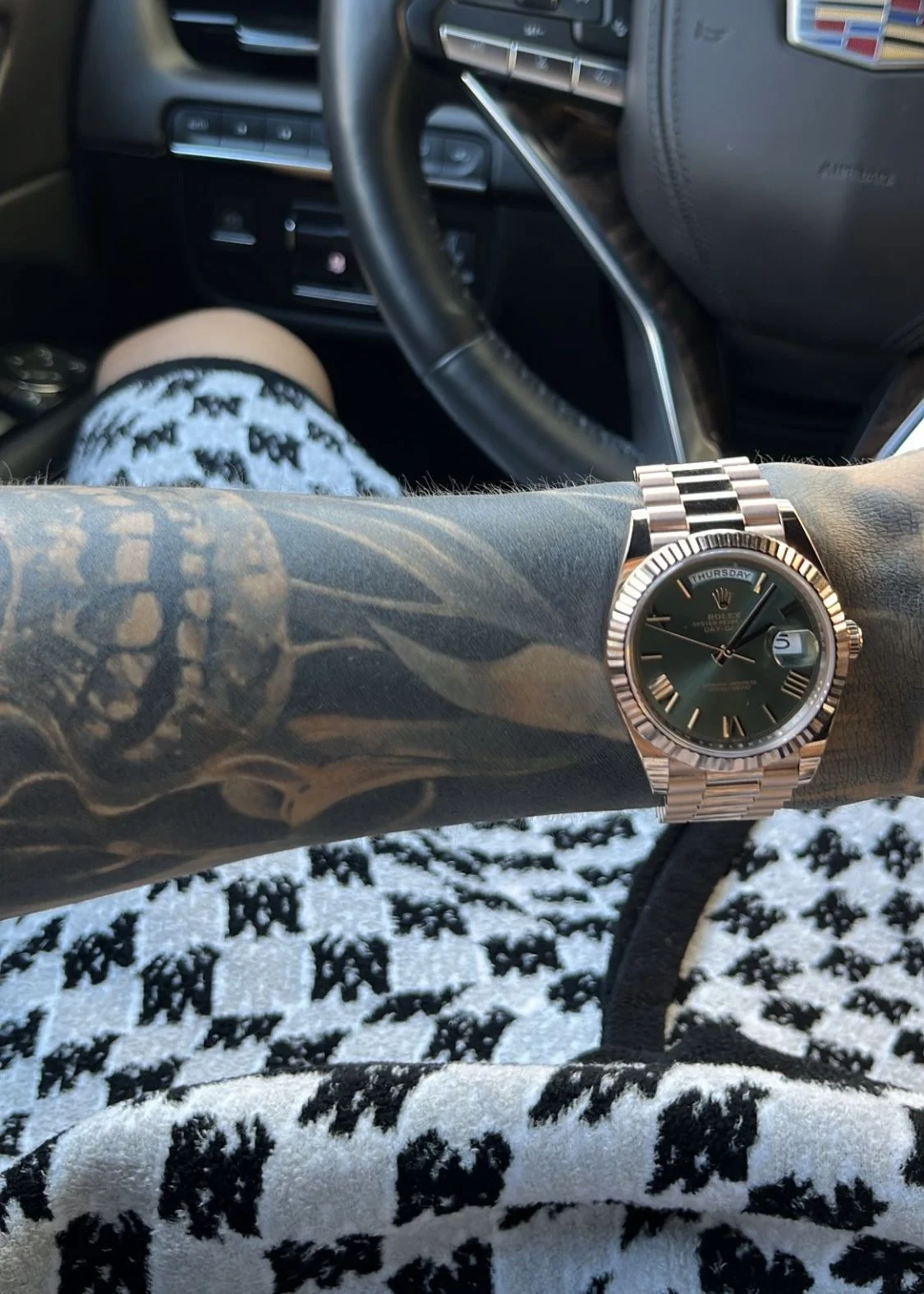
Direct answer: Unscrew the crown, pull it out to the appropriate position for your model, set the hands (and date if needed), then push the crown back in and screw it down. For most modern Rolex watches: unscrew the crown, wind in position 1 (if necessary), pull to position 2 to set the date (quickset models), pull to position 3 to set the time (hack seconds stop), set hands to the correct time, return crown and screw it down to preserve water resistance.
Detailed explanation
Setting the time on a Rolex is straightforward but differs slightly by model (simple time-only, date models like the Datejust or Submariner, and multi-timezone GMT models). The crown has three basic states: screwed down (sealed), neutral/unlocked (winding position), and pulled out to the date or time-setting positions. Modern Rolex movements typically offer a quickset date and a hacking seconds feature (the seconds hand stops when the crown is pulled to the time-setting position), which makes precise synchronization simple.
- Unscrew the crown: Turn the crown counterclockwise until it pops free from the case threads. You are now in the winding position (position 1).
- Wind the watch (optional): If the watch has stopped, wind it by turning the crown clockwise about 20–30 full turns or until you feel slight resistance. This recharges the mainspring so the movement runs reliably while you set it.
- Set the date (if applicable): Pull the crown gently to the first detent (position 2) for quickset date models. Turn the crown until the date changes to the day before the desired date — this helps avoid AM/PM confusion when you set the time.
- Set the time: Pull the crown to the final detent (position 3). The seconds hand should stop (hacking). Move the hour and minute hands forward to the correct time. If you set the date to the previous day, advance the hands past midnight to set the correct date, then continue to the correct hour (AM/PM) and minutes. For precise synchronization, stop the hands on a reference time signal then push the crown back in at the exact second.
- Return and secure the crown: Push the crown back to the winding position and then screw it firmly clockwise until it is fully sealed. This preserves the watch’s water resistance.
Special model notes: For older non-quickset Rolex movements, there is no date quickset: you must repeatedly advance the hour hand past midnight to change the date. For GMT-Master II and similar GMT models, the local hour hand is set independently (usually by pulling to the intermediate position) so you can change the local hour without stopping the seconds or affecting the 24-hour GMT hand. Always consult your model’s manual for exact crown positions as they can vary slightly between movements.
Key reasons / factors
- Crown position: Knowing the difference between screwed-down, winding, date, and time positions prevents accidental damage.
- Quickset vs non-quickset: Quickset date allows faster adjustment; older Rolexes require cycling hours to change the date.
- Hacking seconds: Modern Rolex movements stop the seconds hand for precise syncing — useful when synchronizing to an atomic clock.
- Water resistance: Screwing the crown down properly restores the case seal and water resistance.
- Danger zone for date changes: Avoid changing the date when the movement is gearing the date mechanism (typically ~8pm–4am) to prevent damage.
- Independent hour hand (GMT): Allows changing the local hour without stopping the watch or changing the reference (24-hour) hand.
Comparison
Setting time on a Rolex vs other watches:
- Rolex automatic vs quartz: Quartz watches often have simpler crowns and no need to wind; Rolex automatics may require winding if stopped.
- Quickset date vs non-quickset: Quickset date (modern Rolex) is far faster — one crown detent changes the date. Non-quickset models require moving the hour hand past midnight repeatedly to advance the date.
- GMT vs single-time watches: GMT models (GMT-Master II, Explorer II) let you set the local hour independently, which is convenient for travel. Single-time Rolex watches change both hour and minute together when setting time.
- Water-resistance considerations: Many Rolex models feature a screw-down crown (e.g., Submariner). Brands with push/pull crowns may be less robust for diving or water exposure.
Pros and Cons
- Pros: Precise hacking seconds; robust screw-down crown for water resistance; quickset date on modern models; independent hour hand on GMT models for travel convenience.
- Cons: Risk of damaging the date mechanism if adjusted during the “danger zone” (around midnight); unscrewing the crown can invite dust if done in dirty environments; small learning curve for different crown positions and GMT operations.
FAQs
How many turns to wind a Rolex?
About 20–30 full clockwise turns from the winding position is typical to build a healthy mainspring tension if the watch has stopped. Stop when you feel slight resistance. Modern Rolex movements have a slipping mainspring to prevent overwinding.
Can I change the date at midnight?
No — avoid changing the date between about 8pm and 4am because the date-change gears may be engaged and forcing the mechanism can damage the movement. Set the time outside that window or advance the hands past midnight first, then adjust the date.
How do I set a Rolex GMT-Master II?
Unscrew the crown, pull to the intermediate position to set the local hour hand independently (so you can change time zones without stopping the watch), then pull to the final position to set the minute and 24-hour GMT hand if required. Finish by pushing and screwing the crown down.
Will setting the time affect water resistance?
Only if you leave the crown unscrewed or do not screw it back down properly. Always ensure the crown is fully threaded and sealed after setting to maintain the Rolex’s water resistance.
What if my Rolex won’t start after setting?
If the movement doesn’t start after winding and setting, give it a few more full turns to build power reserve (20–30 turns total). If it still won’t run, seek an authorized Rolex service center — there may be a mechanical issue.